iOS 27 Just Put AI Camera Features Behind a 2TB iCloud+ Paywall — What It Means for Watching Your Own Home
Apple's next major software update quietly changes what counts as a "smart" home camera — and it comes with a price tag most people won't see coming until they try to use it. Starting with iOS 27, the Home app can write plain-English summaries of what your cameras recorded and let you search your footage the way you'd search the web. The catch: none of it works unless you're already paying for Apple's largest consumer iCloud+ tier.
For anyone watching their own front door, driveway, or backyard, the announcement is a useful case study in where "smart" camera features are headed — and a reminder that the most important parts of home monitoring don't actually require any of it.
What's Actually New in iOS 27
According to Apple's own materials reported by MacRumors, the Home app in iOS 27 (alongside iPadOS 27 and macOS 27) adds three Apple Intelligence features for HomeKit Secure Video cameras: written descriptions of what a camera recorded, natural-language search across saved clips, and automatic surfacing of "noteworthy" events. In practice, that means typing something like "UPS delivery" or "cat in the driveway" into a search box instead of scrubbing through hours of timestamps, and getting a text summary — "someone walked by carrying a bucket" — instead of watching every clip yourself. The update also brings 4K recording to compatible HomeKit Secure Video cameras for the first time, according to iDropNews.
The Fine Print: You Need a 2TB iCloud+ Plan
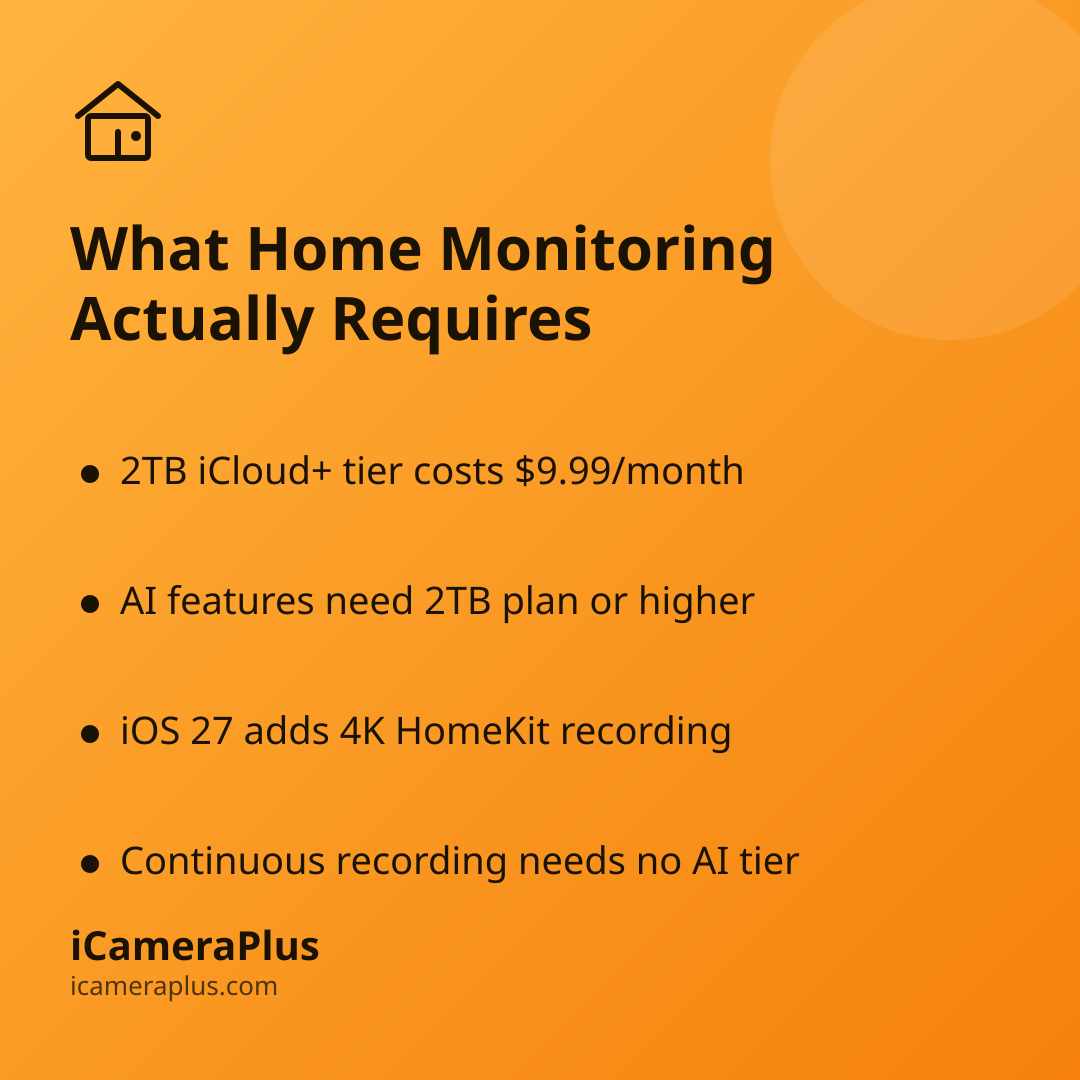
Apple has said the new AI features "rely on powerful server models" — reporting on the announcement from MacRumors notes that's likely more expensive to run than ordinary cloud storage, which is why the features are limited to iCloud+ subscribers on the 2TB plan or higher, not the entry-level tiers most people already pay for. On Apple's own pricing page, that 2TB plan runs $9.99 a month in the US, more than ten times the cost of the $0.99 tier that covers a single HomeKit camera's standard video history. The AI features are separate from — and layered on top of — the storage subscription that already covers HomeKit Secure Video recording itself.
To be clear, this isn't a case of Apple inventing a new fee out of nowhere: 2TB iCloud+ has been a standard, publicly listed plan for years, and it also covers photos, backups, and other iCloud data, not just camera footage. But it does mean the flashiest new camera features in iOS 27 are effectively reserved for households already paying for Apple's top-tier cloud storage — not something that shows up automatically when you update your phone.
Why This Matters Even If You Don't Own a HomeKit Camera
Apple isn't alone in tying "smart" camera features to a premium subscription rung — it's a pattern across the industry, and iOS 27 is just the most visible recent example. It's also a good moment to separate what's genuinely new (AI-written summaries, conversational search) from what most homeowners are actually trying to accomplish: knowing when someone's at the door, being able to check in on the house remotely, and having footage saved somewhere safe if something happens. None of that requires a camera to describe your footage in full sentences.
Reports in July 2026 also indicated Apple is developing its own first-party security camera, separate from these software features, as part of a broader smart-home push — a sign the company sees this as a growing category, not a one-off software tweak. Meanwhile, the video surveillance standards body ONVIF released a draft "Profile V" specification this July aimed at letting cloud cameras from different manufacturers work together, precisely so households and installers aren't locked into one company's ecosystem, pricing tiers, and app.
What Everyday Home Monitoring Actually Requires
Strip away the AI descriptions and natural-language search, and the core job of a home camera hasn't changed: it needs to record continuously, alert you when something moves, let you check in from wherever you are, and keep footage somewhere other than the device itself so it isn't lost if the camera is damaged, stolen, or simply turned off. That's the basic checklist worth judging any camera setup against — Apple's, a traditional brand's, or a phone you already own.
This is also where repurposing an old phone earns a real look. A phone you're no longer using every day already has a capable camera, a network connection, and a battery — the core ingredients of a security camera — sitting in a drawer. Apps like iCameraPlus turn that phone into a 24/7 camera for your own property: continuous recording, footage archived off the device so it survives if the camera itself is unplugged or damaged, remote live view, and motion alerts — without requiring a new camera purchase or a jump to a premium cloud tier just to get basic smart functionality. If you haven't compared the options, our guide to home security cameras walks through where a phone-based camera fits alongside dedicated hardware.
Basic Habits Still Matter More Than Any Feature
Whichever camera you use, the Federal Trade Commission's consumer guidance on securing home security cameras is worth following regardless of brand: use a strong, unique password for the camera's account, avoid staying permanently logged into the camera app on a phone that could be lost or stolen, and keep the camera's software updated. A camera that can write a sentence describing your footage is not more secure than one that can't — those protections come from account hygiene, not AI.
The Takeaway
iOS 27's AI camera features are a genuine convenience if you're already paying for 2TB of iCloud+ storage and own compatible HomeKit cameras. For everyone else, they're a reminder to separate the marketing language around "smart" cameras from what actually keeps a home monitored: footage that's captured continuously, stored somewhere safe, and reachable when you need it — which a phone you already own can already deliver today, no software update or storage upgrade required.
Sources
- MacRumors: "iPhone Users Who Pay for Enough iCloud Storage Get New iOS 27 Perks" (August 11, 2026)
- MacRumors: "Apple Says These iOS 27 Features Require $9.99/Month Subscription" (July 8, 2026)
- iDropNews: "iOS 27 HomeKit Secure Video: AI Overhaul & 4K Cameras" (updated August 17, 2026)
- Apple: iCloud+ plans and pricing
- MacDailyNews: "Apple's rumored security camera: Privacy-focused HomeKit device expected as part of broader smart home push" (July 31, 2026)
- ONVIF: "ONVIF Releases Profile V Draft for Cloud Video Without Vendor Lock-In" (July 2026)
- Federal Trade Commission: "How To Secure Your Home Security Cameras"