Before You Recycle, Sell, or Repurpose Your Old Phone, Wipe It the Right Way
Most of us have a retired phone sitting in a drawer, a junk box, or a bag headed for the electronics recycling bin. Before it leaves your hands — whether it's going to a recycler, a buyer, or a new job watching your front door — it's worth knowing that "deleting your stuff" and "actually erasing your stuff" are not the same thing.
The Phone in Your Drawer Is Part of a 62-Million-Tonne Problem
The world generated 62 million tonnes of electronic waste in 2022 — up 82% since 2010 — and only 22.3% of it was documented as properly collected and recycled, according to the Global E-waste Monitor 2024, produced by the International Telecommunication Union (ITU) and the United Nations Institute for Training and Research (UNITAR). Phones and other small IT equipment make up a large share of that pile, and much of it is functional hardware that people simply stopped using rather than something that broke.
That's actually good news if you're holding an old phone: it almost certainly still works, and it doesn't have to become someone else's e-waste statistic. But before it goes anywhere — a recycler, a resale site, or a second job as a security camera — it needs to be properly cleared of your personal information.
What "Deleted" Doesn't Actually Mean
Deleting a photo or signing out of an app doesn't necessarily erase the underlying data. A widely cited study by Blancco Technology Group and Kroll Ontrack, which examined 122 used mobile devices and drives purchased on Amazon, eBay, and Gazelle in 2015, found that a deletion attempt had been made on 57% of the mobile devices that still contained recoverable data — and that leftover emails, texts, call logs, photos, and videos were pulled from 35% of the devices tested, in many cases enough to identify the previous owner. (See the Blancco/Kroll Ontrack study summary.)
The reason is technical: on most storage media, deleting a file just removes the "pointer" to it, not the underlying data itself. The information can remain in storage until it's overwritten or the device is sanitized at a lower level — which is exactly why device makers build a proper factory reset process rather than relying on users to delete files one by one.
The FTC's Checklist Before a Phone Leaves Your Hands
The Federal Trade Commission's consumer guidance lays out a straightforward sequence to follow before you sell, donate, recycle, or hand off a phone:
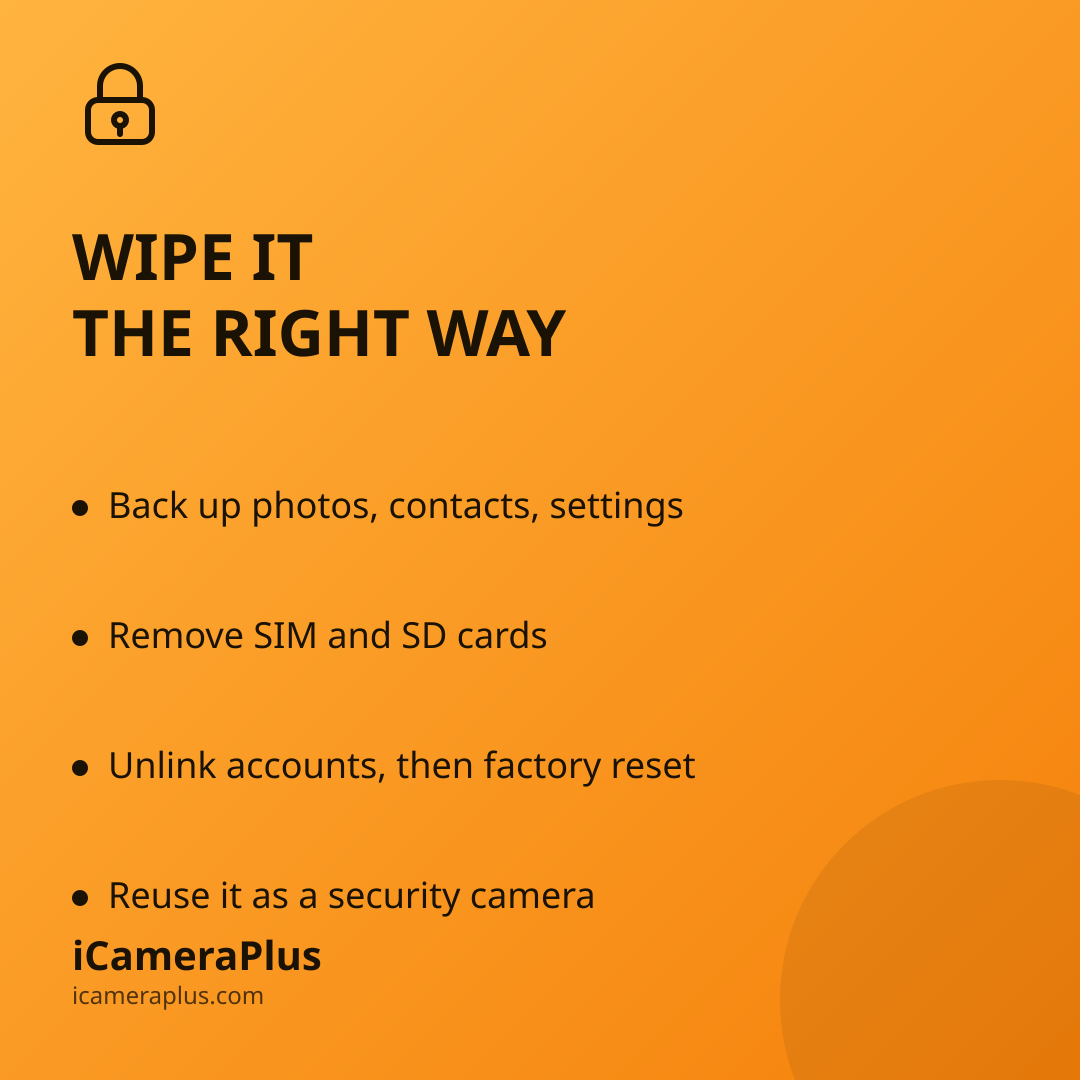
- Back up first. You'll want your contacts, photos, and settings for your next device.
- Remove the SIM card and any SD card. Both can hold personal information independent of the phone's internal storage.
- Unlink the device from your accounts. Remove it as a trusted device from any two-factor authentication settings, and sign out of accounts like email, cloud storage, and app stores.
- Perform a full factory reset through the phone's settings menu (Apple's and Android's official support pages walk through the exact steps for each platform).
- Confirm it worked. Turn the phone back on and check that contacts, messages, photos, and browsing history are actually gone.
The FTC has repeated this guidance as recently as its January 2025 consumer alert on upgrading phones, which underscores that this is not a one-time tip from years past — it's current, standing advice.
How a Federal Standard Defines "Actually Erased"
For anyone who wants the more technical picture, the U.S. National Institute of Standards and Technology publishes Special Publication 800-88, the federal government's own guideline for media sanitization. It defines three levels: Clear (a factory reset that removes pointers to data, making casual recovery infeasible), Purge (methods like cryptographic erasure, which destroy the encryption key protecting the data so it becomes unreadable even to forensic tools), and Destroy (physical destruction, reserved for the most sensitive storage). For a personal phone, NIST notes that a proper factory reset combined with the device's built-in encryption generally satisfies the Clear level — which is why completing the reset process correctly, not just deleting files, is the step that matters.
Recycling Isn't the Only Responsible Second Life
With barely a fifth of e-waste being recycled, according to the Global E-waste Monitor 2024 figures above, giving a working phone another job is arguably the more sustainable option when the device still functions. A phone with a working camera, microphone, and Wi-Fi connection doesn't need to be new to be useful — it just needs to be wiped and reassigned.
One practical option: once a phone is properly reset, it can serve as a dedicated home security camera watching a driveway, entryway, or side yard — a job that doesn't need the latest hardware, just a stable power source and a camera that still works. Apps like iCameraPlus are built for exactly this: they turn a spare phone into a continuous recording camera with an off-device archive, remote live view, and motion alerts, so the footage doesn't just sit on the handset itself.
If You're Keeping It as a Security Camera, Reset It Anyway
It's tempting to skip the wipe if the phone is staying in your own house rather than going to a stranger. But a fresh factory reset before repurposing is still worth doing: it clears out old accounts, saved passwords, and cached app data you don't want tied to a device that will now run continuously and connect to your network in a new role. Set it up as if it were new — sign in only to the accounts it actually needs, install a dedicated camera app like iCameraPlus, and skip reinstalling your personal apps and logins on it. That keeps the device's job simple: watching your property, not holding a copy of your digital life.
Between the FTC's step-by-step guidance, NIST's technical standard, and independent research showing how often "deleted" data isn't, the pattern is consistent: a proper reset is a five-minute task that closes a real privacy gap, whether the phone's next stop is a recycler, a buyer, or your own front porch.
Sources
- FTC Consumer Advice — How To Remove Your Personal Information Before You Get Rid of Your Phone
- FTC Consumer Alert (Jan. 2025) — What to know before you upgrade your phone
- Blancco Technology Group / Kroll Ontrack — Study on residual data on resold devices
- NIST Special Publication 800-88 Rev. 1 — Guidelines for Media Sanitization
- ITU/UNITAR — Global E-waste Monitor 2024