Can Your HOA Legally Ban Your Security Camera? What the Law Actually Says in 2026
If you've ever pointed a camera at your own front porch and gotten a letter from your homeowners association about it, you're not alone. As more homeowners add cameras to their own property, HOA boards and condo associations are increasingly being asked to weigh in on where those cameras can go, what they can face, and whether they're allowed at all.
The scale of the question is bigger than most people realize. The Foundation for Community Association Research projects that by the end of 2026, roughly 80 million Americans — close to one-third of the U.S. housing stock — will live in a community governed by an HOA, condo association, or housing cooperative. That's a lot of front doors where "can I install a camera?" isn't just a personal decision.
Here's what the law actually says, where it varies by state, and a practical way to monitor your own property that sidesteps most of these disputes entirely.
The Basic Rule: Reasonable Rules, Not Blanket Bans
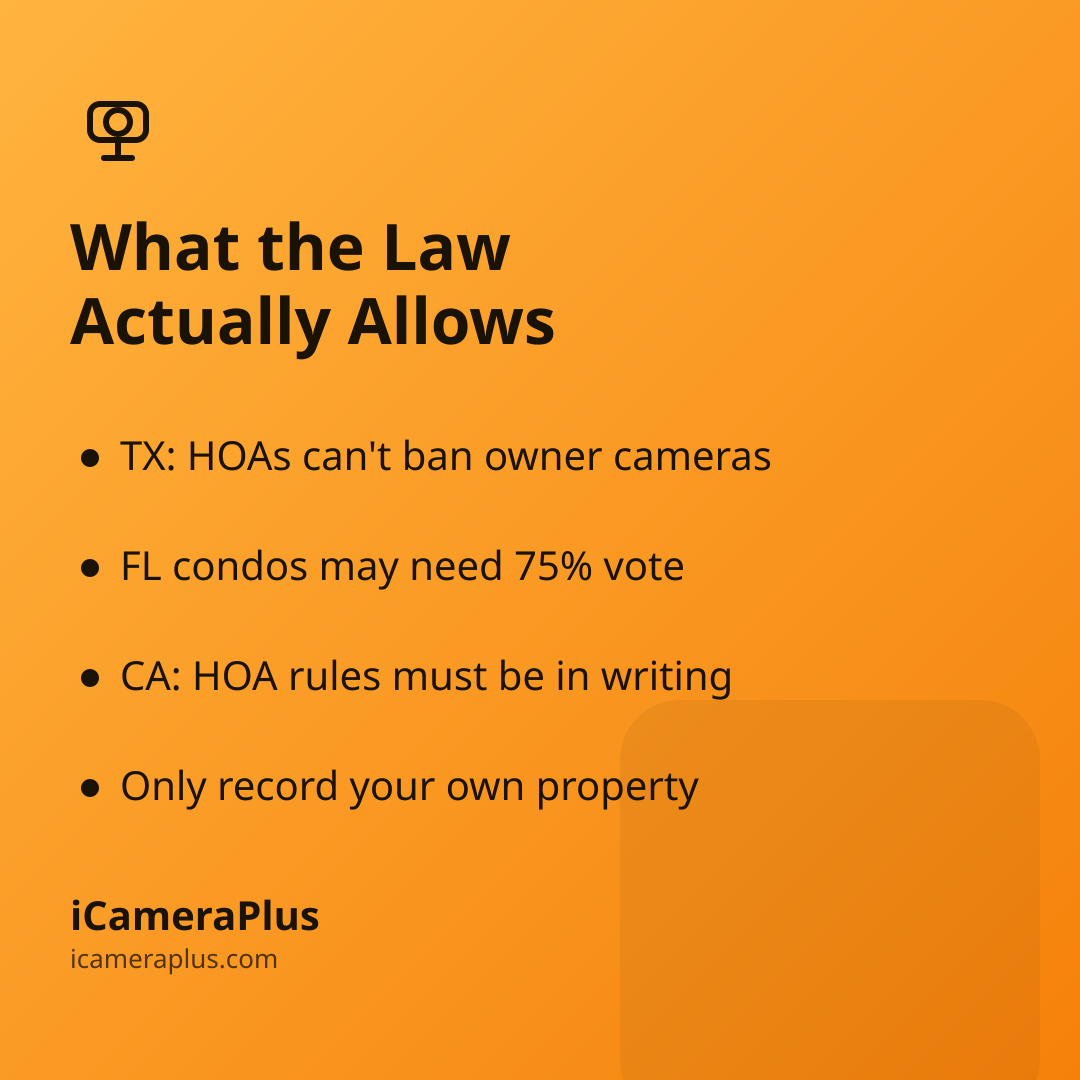
Most disputes aren't about whether a camera is legal — they're about placement, appearance, and whether the association's rule was reasonable in the first place. In California, for example, an HOA's operating rules are only enforceable if they're in writing, within the board's actual authority, consistent with the association's governing documents, and adopted in good faith, under California Civil Code Section 4350. A rule that flatly bans every homeowner from having a camera on their own property would struggle to meet that bar. What boards generally can do is require you to relocate, re-aim, or adjust the appearance of a device that's visible from outside — that's usually treated as architectural regulation, not a ban.
Texas Wrote It Into Law. Most States Haven't.
Texas is the clearest example of a state that settled this by statute. Under Texas Property Code Section 202.023, a property owners' association may not adopt or enforce a restrictive covenant that prevents an owner from installing security measures — including a security camera — on their own property. The law still lets an association prohibit cameras placed somewhere other than the owner's private property, and it explicitly does not apply to condominiums. That carve-out matters: if you own a condo unit rather than a house in a subdivision, different rules apply (more on that below).
Outside Texas, most states don't have a dedicated "you can't ban security cameras" statute. That doesn't mean associations have unlimited power — courts generally still expect HOA rules to be reasonable — but it does mean any dispute usually plays out through the association's own governing documents (the CC&Rs) and architectural review process rather than a state law you can point to directly.
Condos Play by Different Rules
Condominiums are structured differently from single-family HOA neighborhoods, and that changes the analysis. In Florida, for instance, Florida Statute 718.113(2)(a) says there can be no "material alteration or substantial addition" to the common elements or association property unless the declaration allows it — and if the declaration is silent, a material alteration typically needs approval from 75% of the voting interests in the building. Mounting a camera to a shared hallway wall, an exterior common wall, or a building facade can fall into that category, even if the camera is only meant to watch your own doorway. This is one reason condo owners tend to run into more friction than homeowners in detached houses: the surface you'd need to drill into often isn't legally yours to alter.
Where the Real Privacy Line Sits
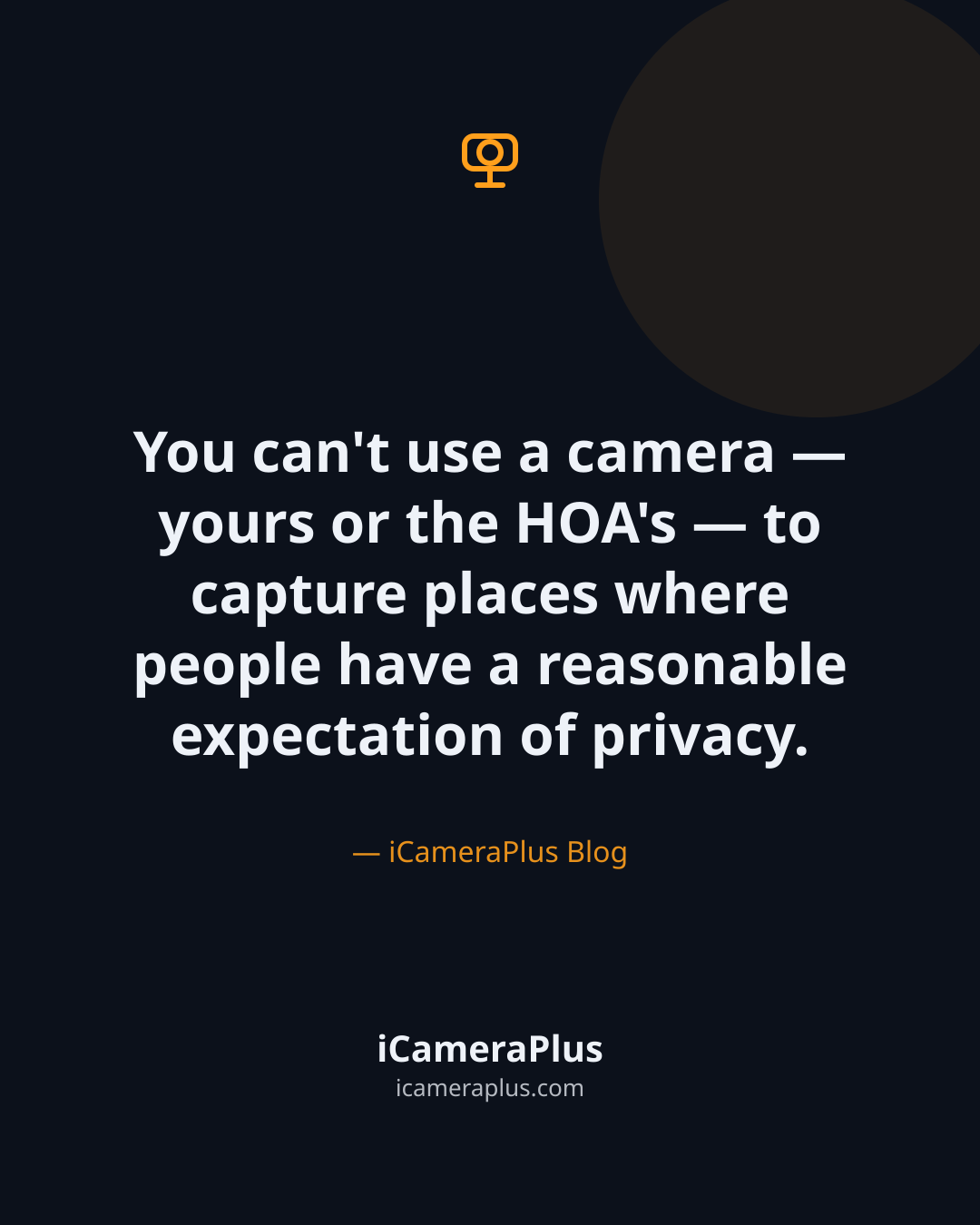
Regardless of what an association's paperwork says, there's a separate legal line that applies everywhere: you can't use a camera — yours or the HOA's — to capture places where people have a reasonable expectation of privacy. California's Civil Code Section 1708.8 creates liability for capturing images or recordings of private, personal activity in a way that would be offensive to a reasonable person, even without physically trespassing. Florida's video voyeurism statute, Section 810.145, is narrower but points at the same principle: it makes it a crime to secretly use a device to record someone who is dressing, undressing, or otherwise exposed in a place — including inside a residence — where they'd expect that privacy. Practically, both laws lead to the same habit: point your camera at your own entryway, driveway, or yard — not through a neighbor's window or across a shared property line.
Audio Is the Part That Gets People in Trouble
Video and audio are regulated separately, and audio is where owners most often cross a line without meaning to. Some states, including Florida, require the consent of all parties to a private conversation before it can be recorded — meaning a camera that happens to pick up a neighbor's conversation on the sidewalk could raise a wiretapping issue that has nothing to do with your HOA's rules at all. If you're not actively using audio to monitor your own property, disabling it removes this risk entirely and tends to defuse neighbor complaints faster than any other single change.
The Simplest Way to Avoid the Fight Altogether
A lot of these disputes start with the same trigger: a visible, drilled-in camera on an exterior wall, mailbox post, or shared facade that an architectural committee has to approve. One practical way around that is to monitor your entryway from the inside — a camera set up just inside a window, facing your porch or driveway, requires no drilling, no exterior hardware, and no material alteration to common property, because nothing is mounted outside at all.
This is exactly the gap iCameraPlus is built for: it turns a phone you already own into a continuously recording camera with an off-device archive, remote live view, and motion alerts, without adding new hardware to your building's exterior. For condo owners facing a 75%-vote material-alteration process, or homeowners who'd rather not file an architectural review request over a camera bracket, using a phone you already own indoors is often the fastest way to start monitoring your own property this week instead of next quarter.
Before You Mount Anything, Do This
- Read your CC&Rs and architectural guidelines first. Most disputes trace back to a homeowner skipping the approval step, not the camera itself being against the rules.
- Aim for your own property only. Angle the frame to cover your entry, porch, or driveway — not a neighbor's window, yard, or shared walkway.
- Turn off audio if you don't need it. It removes the wiretapping question in two-party-consent states without losing any video coverage.
- Ask before you assume a ban is enforceable. If you're in Texas and outside a condo association, Section 202.023 may already protect your right to install a camera on your own property.
- Consider an indoor, no-installation setup if your building treats exterior devices as a material alteration — it sidesteps the approval process entirely.
Sources
- Foundation for Community Association Research, "2026 HOA Outlook" (2025)
- California Civil Code Section 4350 — California Legislative Information
- California Civil Code Section 1708.8 — California Legislative Information
- Texas Property Code Chapter 202, Section 202.023 — Texas Statutes
- Florida Statute 718.113 — The Florida Senate
- Florida Statute 810.145, Video Voyeurism — The Florida Senate