Cloud, Local, or Both? What New 2026 Data Says About Where Your Security Camera Footage Should Live
If you've shopped for a security camera recently, you've hit the same question every listing forces on you: cloud storage, local storage, or both? It sounds like a minor spec, buried under resolution and night vision. New survey data suggests it isn't minor at all — it's the decision most likely to determine whether your footage is actually there when you need it.
What the New Data Actually Shows
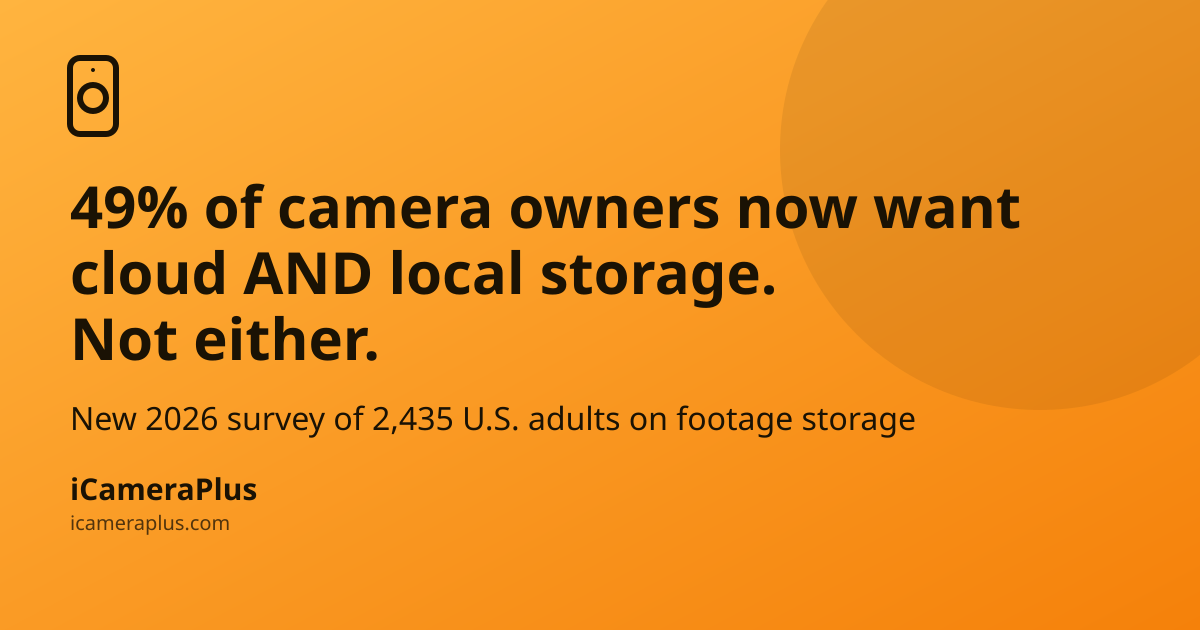
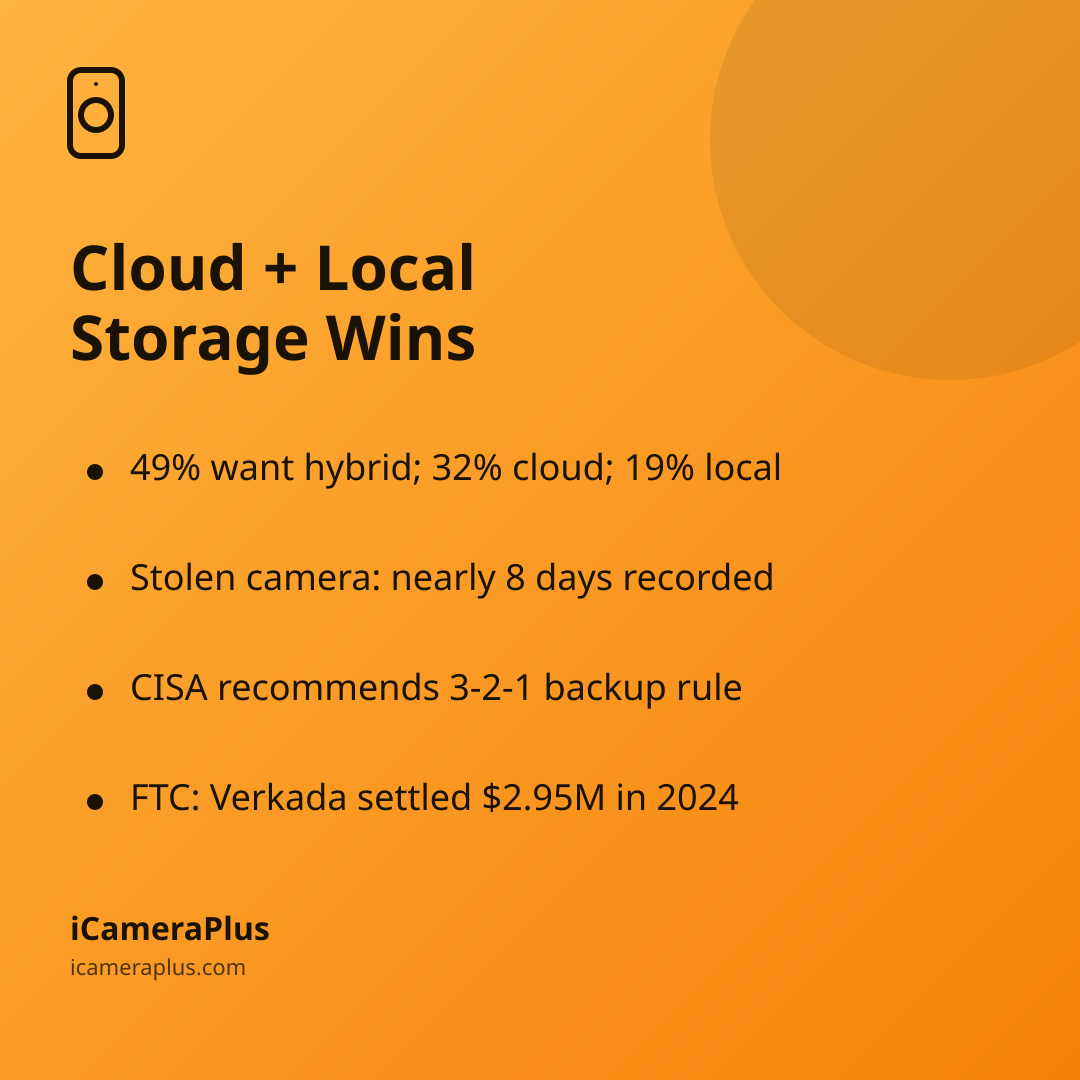
According to SafeHome.org's 2026 Home Security Market Report, based on a survey of 2,435 U.S. adults conducted between January 29 and February 11, 2026, 49% of security camera and video doorbell owners now prefer a hybrid cloud-and-local storage approach, compared with 32% who prefer cloud-only and 19% who prefer local-only storage. The same report found that among the small share of users who've switched camera providers in the past three years, 12% cited privacy or data concerns as a reason.
That's a meaningful shift. For years, the storage conversation was framed as a binary: pay a subscription and get cloud convenience, or buy a memory card and keep everything "private" on the device. The data now shows most owners have quietly rejected that binary — they want the reliability of an off-device copy and the control of not depending on a single company's servers for something as sensitive as footage of their own home.
Why Local-Only Storage Has a Blind Spot
Local storage — an SD card or onboard drive inside the camera itself — feels private because the footage never leaves your house. But that's also its weak point: if the camera is the only place the recording lives, then whatever happens to the camera happens to the evidence.
This isn't hypothetical. In one widely reported Milwaukee case, burglars broke into a home under renovation, took about $8,000 in tools, and unknowingly grabbed a battery-powered, cellular-connected security camera along with them. From inside the burglars' own home, the camera kept recording and transmitting footage for nearly eight days (Yahoo News). The case is a clear illustration of the core risk: once a local-only camera or its storage card is taken, whatever happens to it next — footage captured, footage erased, or the device destroyed — is entirely out of the owner's control. A camera that only writes to its own SD card offers no protection once someone takes the card, the device, or simply smashes it.
Why Cloud-Only Isn't a Full Answer Either
Cloud storage solves the "camera gets destroyed" problem, since the recording already left the building. But it introduces a different dependency: your footage now lives behind a subscription, a company's uptime, and that company's account-security practices. The Federal Trade Commission's consumer guidance on securing home cameras specifically recommends using a strong, unique password on the cloud account, enabling two-factor authentication where it's offered, and confirming the camera's login page is encrypted — advice that only matters because cloud accounts are a real attack surface, not just a convenience. In 2024, the FTC reached a $2.95 million settlement with camera maker Verkada over allegations that lax security practices let an outside attacker access live customer camera feeds, including in sensitive locations (FTC, 2024) — a reminder that "cloud" is only as trustworthy as the company running it.
The Case for an Off-Device Copy — Whatever You Call It
Strip away the marketing terms and the underlying principle is one that data-security professionals have used for decades. The Cybersecurity and Infrastructure Security Agency (CISA) recommends the "3-2-1" backup rule as a baseline for protecting any important data: keep multiple copies, on more than one type of storage, with at least one copy off-site. A security camera that only saves to itself violates that rule by design. A camera that also saves somewhere else — a separate cloud account, a home server, a second device — satisfies it.
This is really what the 49% choosing "hybrid" in the SafeHome.org survey are voting for, whether or not they'd describe it in those terms: they want a copy that survives if the camera doesn't, without necessarily handing every clip of their living room to a single vendor's data center by default.
Putting This Into Practice Without Overpaying
You don't need to buy a second expensive camera system to get an off-device copy. If you already have an old phone sitting in a drawer, apps like iCameraPlus turn it into a dedicated security camera that records continuously and archives footage off the device automatically, so a stolen or damaged phone doesn't mean lost footage — while you still keep remote live view and motion alerts on your current phone. It's a practical way to get the "hybrid" setup the data shows people actually want, using hardware you already own instead of adding another camera subscription on top of one you might already have.
Whatever camera or setup you use, a few questions are worth asking before you decide where your footage lives:
- If someone took or destroyed the camera right now, would any footage survive? If the honest answer is no, you're relying on local-only storage with no backup.
- If you missed a subscription payment, would you lose access to past footage? Cloud-only plans often tie playback and downloads to an active subscription.
- Who else can access your footage, and how is that access protected? Check for two-factor authentication and account-level controls, per the FTC's guidance above.
- Is there a copy stored somewhere other than the camera itself? That single question is the difference between local-only and true hybrid storage.
The Bottom Line
Storage location used to be treated as a checkbox on a spec sheet. The 2026 data suggests homeowners have moved past that — they're increasingly choosing setups that don't put all their footage in one basket, whether that basket is a memory card that can be stolen or a cloud account that can be breached, mispriced, or shut down. Before your next camera purchase — or before you decide whether that old phone in the drawer is worth setting up as one — it's worth asking where the footage actually goes, not just how it looks.

Sources
- SafeHome.org, "2026 Home Security Market Report" (2026)
- Federal Trade Commission, "How To Secure Your Home Security Cameras" (Consumer Advice)
- Federal Trade Commission, "FTC Takes Action Against Security Camera Firm Verkada" (2024)
- Cybersecurity and Infrastructure Security Agency (CISA), "Back Up Business Data"
- Yahoo News, "Burglars were filmed for 8 days by a camera they stole during $8,000 home robbery"