Cybersecurity Awareness Month Is Almost Here: How to Actually Lock Down the Camera Watching Your Home
Every October since 2004, the Cybersecurity and Infrastructure Security Agency (CISA) and the National Cybersecurity Alliance have co-led Cybersecurity Awareness Month — and this year's edition, themed "Securing the Next 250" for the country's semiquincentennial, lands on October 1, 2026. Most of the coverage aims at office workers and their email inboxes. But the same basic hygiene applies to something a lot closer to home: the router and the camera watching your front door, driveway, or living room.
That's not a hypothetical connection. Federal agencies have spent the past year specifically calling out home network devices — including cameras, routers, and streaming boxes — as easy entry points for criminals. Here's what they actually found, and what it means for whatever is currently recording your home.
Why federal agencies are pointing at your home network
In June 2025, the FBI's Internet Crime Complaint Center (IC3) issued a public warning that cybercriminals were exploiting internet-connected home devices — including cameras, streaming devices, and other IoT hardware — through a botnet called BADBOX 2.0, which the agency said consists of millions of infected devices worldwide. The FBI noted that criminals gain access either by pre-loading malicious software onto a device before a consumer even buys it, or by infecting it through unofficial apps downloaded after setup. Its advice: keep firmware and software current, avoid installing apps from unofficial marketplaces, and monitor home network traffic for anything unusual.
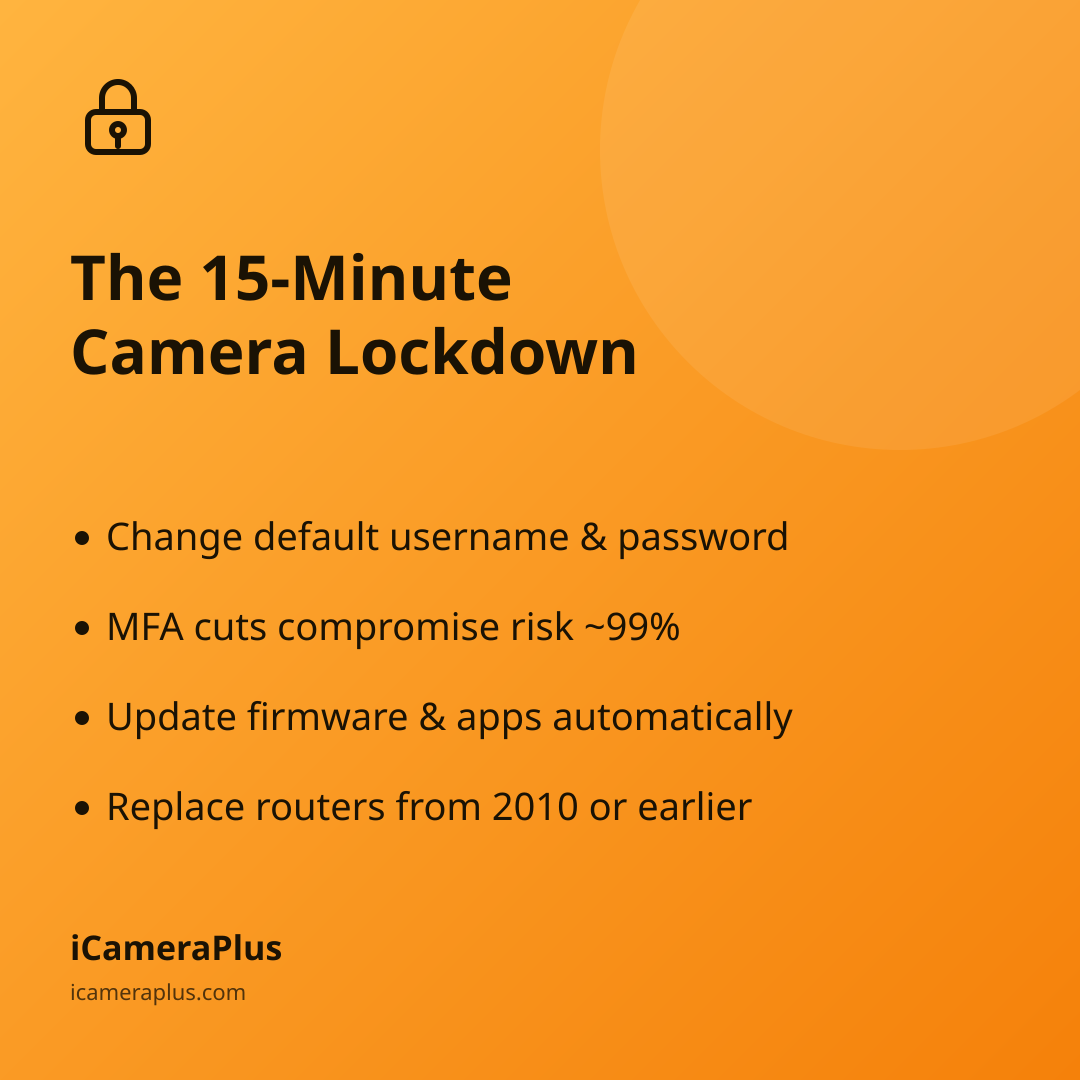
A few weeks earlier, in May 2025, the FBI issued a separate alert about end-of-life routers — the boxes that every camera, laptop, and phone in a house connects through. The agency warned that routers dated 2010 or earlier likely no longer receive security patches, making them an easy foothold for malware like TheMoon, which criminals have used to route proxy traffic through unsuspecting households. The FBI's recommendations were concrete: replace routers that are no longer supported, apply firmware updates immediately, disable remote management features you don't use, and set a router password of at least 16 characters.
Neither warning was about cameras being used to watch anyone without consent — the concern is the opposite problem: an outdated or poorly secured device on your network becoming a door that someone else can walk through.
The "Core 4," applied to a camera instead of an inbox
CISA's Cybersecurity Awareness Month materials center on four habits it calls the Core 4: use strong, unique passwords; turn on multifactor authentication and a password manager; keep software updated; and recognize and report phishing attempts. None of that is camera-specific, but all of it maps directly onto the device watching your home:
- Strong, unique password: the login for your camera's app or cloud account should not be the password you use anywhere else, and it should not be the default one printed on the box.
- Multifactor authentication: in Microsoft's own research on account security, enabling MFA reduced the risk of account compromise by roughly 99% across the accounts it studied. If your camera app offers a second login step, it's one of the highest-leverage five minutes you'll spend this month.
- Updates: both the camera's app and your router's firmware should be set to update automatically where possible — this is the single fix the FBI named in both of its 2025 alerts.
- Recognize phishing: a text or email claiming your "camera account has been suspended" and asking you to click a link is a common way credentials get stolen. Log in directly through the app instead.
What the FTC specifically tells camera owners
The Federal Trade Commission publishes standing consumer guidance on securing home security cameras, and it's worth reading in full, but the shortlist is: change the default username and password immediately, don't reuse a password from another account, look for a login page that uses "https" rather than plain "http," turn on two-factor authentication if it's offered, and check your camera's access log periodically for logins from unfamiliar IP addresses or at odd hours. The FTC also recommends creating a strong, separate password for the mobile app itself and logging out when you're done, rather than leaving a session open indefinitely.
None of this requires technical expertise — it's closer to locking a door than configuring a firewall. The habit that actually protects your footage is doing it once, this month, rather than putting it off.
Where an old phone actually helps here
If you're using a spare phone as your home camera — through an app like iCameraPlus rather than a bargain-bin IP camera — you've already sidestepped one common failure point: cheap, no-name cameras are frequently the ones running unpatched firmware years after the manufacturer stopped supporting them, which is exactly the end-of-life scenario the FBI flagged for routers. A phone still gets OS and app security updates from Apple or Google long after a $30 camera's manufacturer has moved on, and because iCameraPlus keeps continuous footage in an off-device archive you control, losing access to the phone itself doesn't mean losing your recordings.
That said, an old phone isn't automatically exempt from the Core 4. It still needs a strong, unique app password, multifactor authentication turned on if it's available, and a home Wi-Fi network that isn't running on a decade-old router. Reusing a phone is a genuinely good move for e-waste and your wallet — it's just not a substitute for the same five minutes of housekeeping every other connected device in your home needs.
A 15-minute checklist before October 1
- Log into your camera's app and confirm the password isn't reused anywhere else, then turn on multifactor authentication if it's offered.
- Check whether your router was purchased before roughly 2015; if you're not sure it's still receiving updates, check the manufacturer's support page.
- Open your router's admin settings and disable remote management if you don't use it.
- Confirm your camera app and phone operating system are both set to auto-update.
- Scan your camera's access log, if it has one, for logins you don't recognize.
Cybersecurity Awareness Month is aimed at office networks and corporate inboxes, but the underlying advice — unique passwords, a second login step, current software — is exactly what keeps the device watching your own front porch working for you instead of against you.
Sources
- CISA — Cybersecurity Awareness Month 2026
- FBI Internet Crime Complaint Center — Home Internet Connected Devices Facilitate Criminal Activity (June 5, 2025)
- FBI Internet Crime Complaint Center — Cyber Criminal Proxy Services Exploiting End-of-Life Routers (May 7, 2025)
- FTC Consumer Advice — How To Secure Your Home Security Cameras
- Microsoft Research — How Effective Is Multifactor Authentication at Deterring Cyberattacks?