Does a Security Camera Record All the Time? What Apple's New 2026 Camera Line Reveals
This article was produced with AI assistance. Sources are listed at the end.
No — most home security cameras, including the brand-new ones Apple just announced, do not record continuously. They record short clips only when they detect motion, then stop. Apple's October 13, 2026 camera launch is the clearest confirmation yet: even a company built around privacy and premium hardware chose event-based clips over 24/7 recording.
What Did Apple Just Announce?
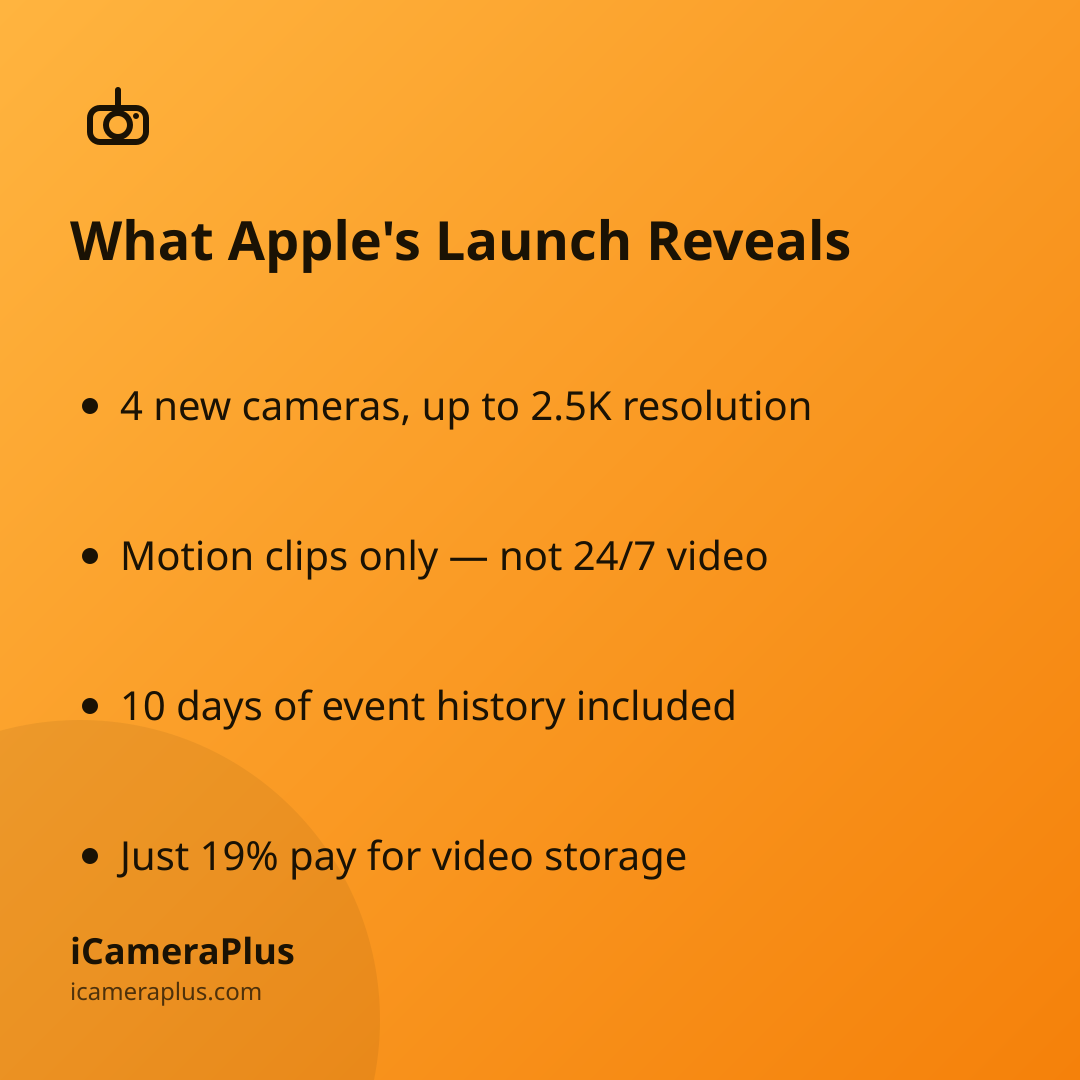
On October 13, 2026, Apple introduced its Home Collection, a lineup of smart-home accessories including four security cameras built by LG Electronics: an Indoor Cam ($199.95), Outdoor Cam ($299.95), Floodlight Cam ($399.95), and a dual-camera Video Doorbell ($249.95), arriving in December 2026, according to Apple's own newsroom announcement. The cameras shoot up to 2.5K resolution and can recognize people, pets, vehicles, and packages in the frame.
Here's the detail that matters most for anyone comparing cameras: footage is stored as event clips, not a running recording. Apple's announcement says video history is "securely stored in users' supported iCloud+ plan," with 10 days of event video history included regardless of plan. How many cameras you can run depends on that plan — a 50GB iCloud+ tier supports one camera, 200GB supports up to five, and 2TB supports an unlimited number, per Apple's newsroom page.
Why Don't These Cameras Record Continuously?
Continuous video is expensive to store and transmit — a camera running 24/7 generates far more footage than one that only wakes up for motion. Apple's design, like most consumer cameras on the market, trades full-time recording for shorter, triggered clips to keep cloud costs and bandwidth down. The tradeoff is real: an event-based camera can miss the slow, low-motion moments right before or after the triggering event, and it gives you nothing to review if the camera simply didn't detect the thing you cared about.
This isn't unique to Apple. It's the default architecture behind most plug-and-play home cameras, which is one reason resolution isn't the only spec worth comparing when you're choosing between cameras — what gets recorded, and when, matters just as much as how sharp it looks.
How Common Is It to Pay for Camera Storage?
Paying monthly for video storage has become normal, but it's still far from universal. Parks Associates, which surveys thousands of U.S. internet households each quarter, found in an August 2026 release that 19% of smart home device owners pay for a subscription service tied to a video security device, according to the firm's August 27, 2026 press release. That leaves most camera owners either relying on free tiers with very limited clip storage, or without cloud backup of their footage at all. If you're weighing whether a subscription is even required to keep your camera running, it's worth reading how new cancellation rules affect security camera subscriptions before signing up for one.
What's the Real Difference Between Event Clips and 24/7 Recording?
An event-based camera is reactive: it needs to recognize motion first, then starts recording, so the first second or two of an incident can be missed entirely, and anything outside the device's motion zone never gets captured. A continuously recording camera captures the full timeline — what happened before the triggering moment, not just after — which is the main reason some homeowners move away from motion-only clips once they've had a camera miss something.
Apple's newest home cameras still don't record continuously — only in motion-triggered clips, like most of the market.
This is the gap a spare phone can fill. iCameraPlus turns a phone you already own into a camera that records continuously rather than waiting for a trigger, with footage archived to a private cloud you can browse from the web and a live view you can check in on remotely — without buying a new camera or adding another device to the landfill pile.
Before comparing cameras, a few things are worth checking regardless of brand:
- Clip length and gap between clips
- Retention window (days of history)
- Whether storage requires a paid plan
- Continuous vs. motion-only recording
Quick answers
Does any home camera record 24/7 without a subscription? Most mainstream plug-and-play cameras, including Apple's new Home Collection line, require a cloud plan to store any footage at all, and even then it's event clips, not continuous video. Local-storage options (an SD card or a dedicated recorder) can run continuously without a monthly fee, but they add hardware and setup most of these camera lines don't need.
Will Apple's new cameras work without Apple Intelligence or iCloud+? Apple's newsroom page ties video history storage to an iCloud+ plan, so a plan is part of the setup rather than optional for anyone who wants to review footage later.
Is event-based recording actually worse than continuous recording? Not always — for most households it means less footage to sift through. It becomes a real limitation specifically when something happens outside the camera's motion detection window, or in the moments just before a clip starts.