Does Apple's New HomeView Have a Security Camera? What Leaked Code Shows in 2026
This article was produced with AI assistance. Sources are listed at the end.
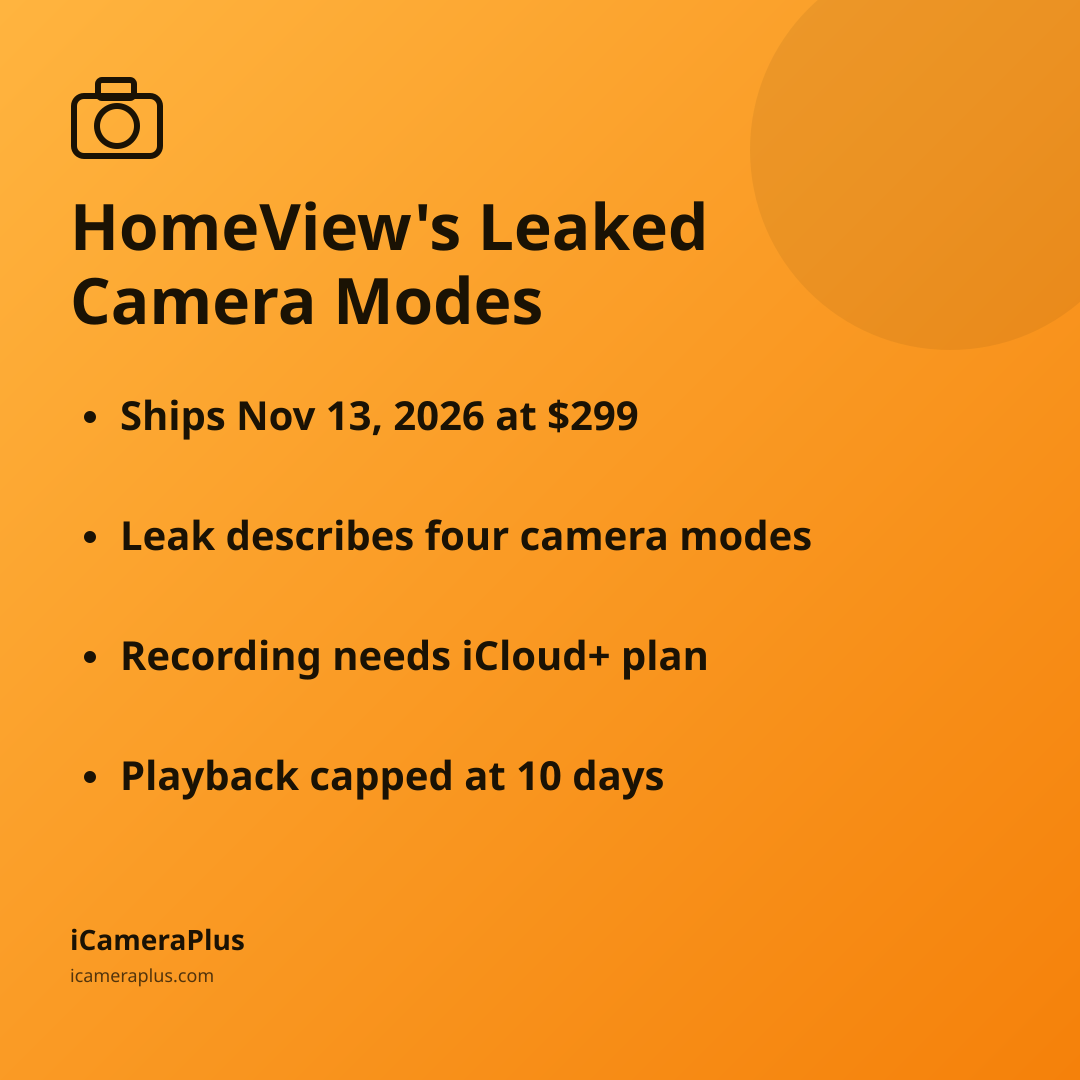
Not officially — at least not yet. Settings strings found inside HomeView's software by developers point to a built-in security camera with four modes, but as of this writing Apple has not confirmed the feature, and it was not part of HomeView's public launch materials. The hub itself ships Friday, November 13, 2026, starting at $299, and if a camera mode does arrive, recording through it would likely require a paid iCloud+ subscription.
What Is Apple HomeView, and Does It Actually Have a Camera?
HomeView is Apple's smart home hub — a 7-inch touchscreen with Siri built in, designed to sit on a counter or wall and control HomeKit accessories. It launches November 13, 2026, starting at $299, according to MacRumors. The device has a front-facing camera for video calls and Face ID-style recognition, but whether that camera can also double as a home security camera is the part Apple hasn't confirmed.
What's driving the speculation is code discovered in HomeView Software version 27.2, reported by 9to5Mac and independently by MacRumors on November 2, 2026. Both outlets are careful to note the strings describe a feature that hasn't shipped and may never ship as described — this is a leak, not an announcement.
What Would HomeView's Four Camera Modes Actually Do?
According to the code strings, HomeView would offer four settings, each schedulable for when household members are home, away, or asleep:
- Off — no motion detection, streaming, or recording
- Detect Activity — motion detection only, with no live stream or recording
- Stream — household members can watch live, but nothing is recorded
- Stream & Allow Recording — full live view plus recording, tied into HomeKit Secure Video
Even the most capable setting is still gated by an existing Apple system, not a new one: HomeKit Secure Video, which has governed Apple's smart home cameras for years.
Why Can't It Be Turned On Remotely While You're Home?
One detail stands out: per the leaked strings, the camera feature "cannot be remotely activated" if any household members are inside the home — it can only be switched on from the HomeView unit itself. 9to5Mac reported this is designed to prevent one household member from turning the camera on to monitor another occupant without their knowledge. A green light and a sound also play whenever the camera streams or records, and everyone in the household is notified when camera settings change.
Apple's leaked design won't let anyone switch the camera on by remote control while someone else is already home.
It's a reasonable design choice for a shared household device, but it's also a reminder that any camera meant to watch your own property works best when you — and everyone living there — know exactly when it's recording. For guidance on disclosing cameras to people who share or visit your home, see our privacy guide.
Would You Need to Pay Extra to Use It as a Security Camera?
If HomeView's camera mode ships as described, recording would plug into HomeKit Secure Video, which already requires a paid iCloud+ subscription — it does not work on a free Apple ID. Per Apple's own support documentation (2026), the 50GB iCloud+ tier supports recording from just one camera, the 200GB tier supports up to five, and only the 2TB tier and above supports an unlimited number of cameras. Recorded video doesn't count against that storage quota, but Apple's support page also confirms you can only review footage from the previous 10 days through the Home app.
That 10-day rolling window is standard across Apple's HomeKit Secure Video cameras today, and there's no indication a HomeView camera mode would change it.
Should You Wait for HomeView, or Use What You Already Own?
A $299 hub with an unconfirmed camera feature, a tiered subscription, and a 10-day recording limit is a lot of "maybe" for anyone who just wants to know what happened at their front door last week. If you already own a phone that's sitting in a drawer, you can put it to work today: an app like iCameraPlus turns a spare iOS or Android phone into a camera that records continuously and stores footage in a private cloud archive you browse from any web browser, with a live view and remote start/stop — no 10-day cutoff, no new hardware purchase, no waiting for Apple to confirm anything.
We covered Apple's dedicated standalone camera line in our look at whether to wait for Apple's cameras shipping this December, and the same logic applies here: before buying new hardware, it's worth checking whether the phone already in your drawer can do the job.
- Check your drawer first
- HomeView's camera mode is unconfirmed
- HomeKit Secure Video caps playback at 10 days
- Cheapest iCloud+ tier covers only 1 camera
Quick answers
Is Apple HomeView a confirmed security camera product? No. As of November 3, 2026, Apple has not announced a security camera feature for HomeView. The evidence comes from code strings discovered by developers in the device's pre-release software, not from Apple's own marketing.
When does HomeView launch, and how much does it cost? HomeView is set to launch on Friday, November 13, 2026, starting at $299, according to MacRumors.
Do I need an iCloud+ subscription to record from a HomeKit camera? Yes. HomeKit Secure Video, the system any HomeView camera mode would rely on, requires a paid iCloud+ plan — it does not function on a free iCloud account, per Apple's support documentation.
Sources
- 9to5Mac: "HomeView could double as a HomeKit security camera, shows code" (Nov. 2, 2026)
- MacRumors: "Apple HomeView Could Double as a Security Camera" (Nov. 2, 2026)
- Apple Support: "Store encrypted security camera footage in iCloud with HomeKit Secure Video" (2026)
- Apple Support: "Set up HomeKit Secure Video on all your devices" (2026)