Your Camera Could Be Part of a Botnet: What 2026's Record IoT Takedown Means for Your Home
On March 19, 2026, the U.S. Department of Justice, working with Canadian investigators and Germany's Federal Criminal Police Office, announced it had dismantled four botnets — nicknamed Aisuru, Kimwolf, JackSkid, and Mossad — built from more than 3 million hijacked devices, including home routers, DVRs, and internet-connected cameras. The DOJ said the network had been used to launch record-breaking distributed denial-of-service (DDoS) attacks, and that some victims reported tens of thousands of dollars in losses and cleanup costs.
That's a story about internet infrastructure, but it's also a story about the camera on your porch or in your living room. If a security camera can be recruited into an attack network without its owner ever noticing, it's worth understanding how that happens — and what it says about the device you're trusting to watch your home.
What Actually Happened
Weeks before the takedown, Cloudflare — one of the internet's largest defense providers — reported that the same botnet family was behind a record-setting 31.4 terabits-per-second DDoS attack, part of what it called a wave of "hyper-volumetric" attacks in late 2025 built largely from compromised consumer hardware. The Justice Department's March 2026 action, announced through the U.S. Attorney's Office for the District of Alaska, seized the infrastructure controlling those botnets. But the underlying problem — millions of cameras and routers still sitting online with weak or default security — doesn't get fixed by one takedown. New botnets built from the same kind of hardware tend to appear within months.
How a Camera Becomes Part of an Attack
Most home cameras don't get "hacked" through anything sophisticated. The common path is much simpler:
- Default credentials. Many budget cameras and DVRs ship with a factory username and password (like admin/admin) that owners never change — and that are published in manufacturer manuals, easily found by automated scanning tools.
- Direct internet exposure. To allow remote viewing, some devices are set up with port forwarding or UPnP, which opens a direct path from the public internet straight to the camera — no account or app required.
- No update path. Cheap, unbranded cameras and DVRs are frequently sold without a reliable way to patch security flaws, so known vulnerabilities stay exploitable indefinitely.
Once malware finds an exposed device with weak credentials, it installs itself quietly, joins the botnet's command-and-control network, and waits for instructions — all while the camera keeps recording normally, so the owner has no obvious sign anything is wrong.
Why This Keeps Happening
The Cybersecurity and Infrastructure Security Agency (CISA) has been warning about this exact pattern for years: internet-connected devices are often configured with default passwords "to simplify setup," and because those defaults are published and searchable, they "don't provide any protection" once a device is reachable from the open internet. CISA's guidance on securing new connected devices recommends changing every default password immediately, keeping firmware updated, and — where possible — putting cameras and other smart-home gadgets on a separate network from the computers and phones you use for banking, email, and work.
If You Already Own a Standalone Camera or DVR, Do This
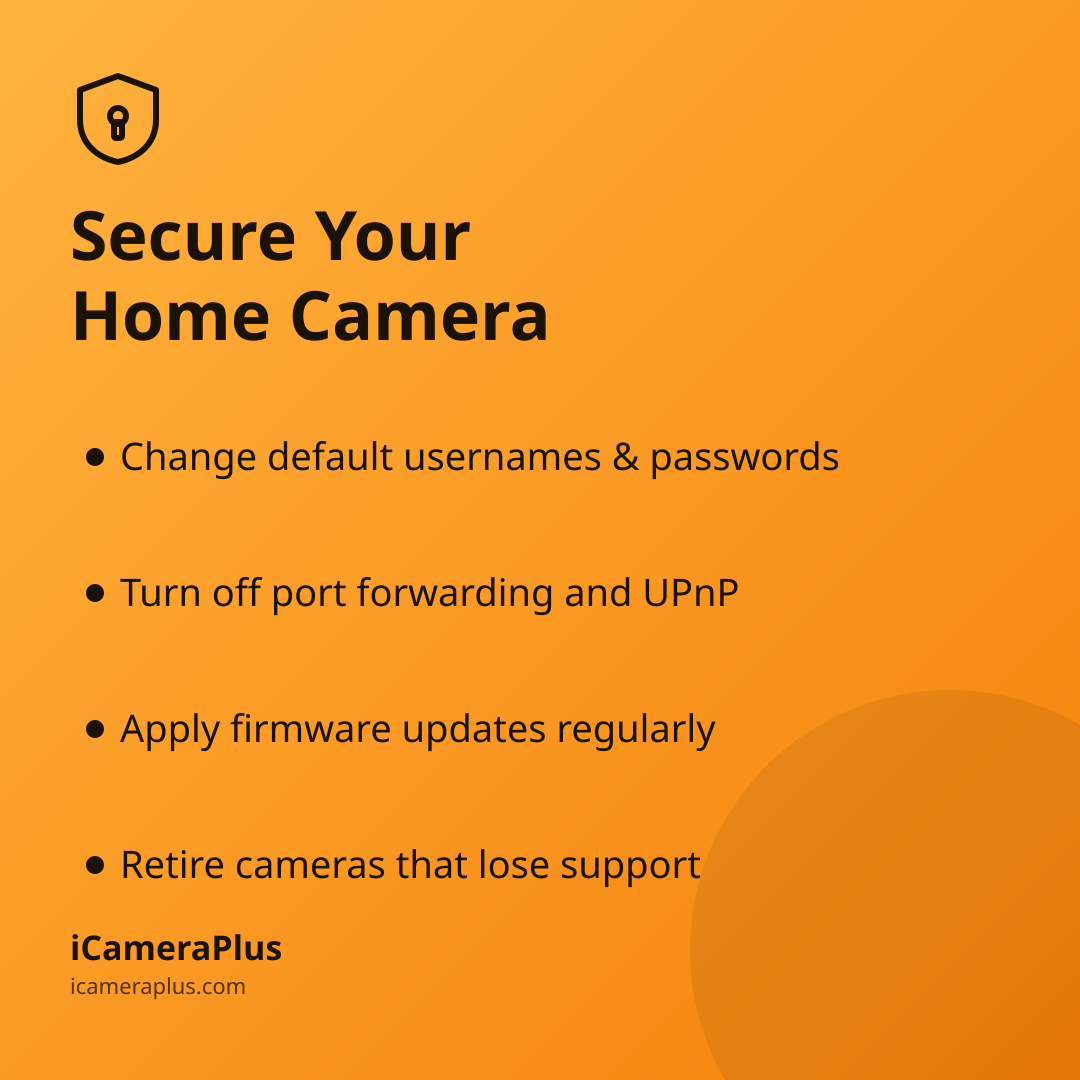
- Change the default username and password to something unique — not the one printed in the manual or set at the factory.
- Turn off port forwarding and UPnP for the camera in your router settings unless you specifically need it, and use the manufacturer's official app or cloud service for remote viewing instead.
- Check for firmware updates in the camera's app or manufacturer site every few months, and apply them.
- Put cameras on a guest network or separate VLAN if your router supports it, so a compromised device can't reach the rest of your home network.
- Retire devices that no longer receive updates. If a manufacturer has stopped supporting a camera or DVR, it will stay vulnerable indefinitely — no amount of password-changing fixes an unpatched flaw.
A Simpler Starting Point
One reason this problem is so widespread is the nature of the hardware itself: cheap, purpose-built DVRs and IP cameras are often designed to be set up once and forgotten, with no built-in update discipline and, in many cases, no reason for the manufacturer to keep supporting an inexpensive device years later.
A phone you already own sidesteps a lot of that risk by design. It runs on an operating system — iOS or Android — that receives regular security patches automatically, has no factory-set admin password sitting in a public manual, and doesn't need port forwarding opened on your router to be viewed remotely. That's part of the idea behind turning an old phone into your home security camera with iCameraPlus: continuous recording with footage archived off the device itself, so a single compromised gadget on your network isn't also your only copy of the footage or an open door to the rest of your home.
The Bigger Picture
None of this means every internet-connected camera is unsafe, or that DDoS botnets are the biggest risk to your home network. But the March 2026 takedown is a useful reminder that a camera is a computer, not just a lens — and computers need the same basic hygiene whether they're sitting in a server room or bolted above your front door: unique credentials, regular updates, and no unnecessary exposure to the open internet. Take twenty minutes to check whatever camera is currently watching your home. It's a smaller task than it sounds, and it closes one of the easiest paths attackers use.
Sources
- U.S. Department of Justice, District of Alaska — "Authorities Disrupt World's Largest IoT DDoS Botnets" (March 2026)
- Cloudflare — "2025 Q4 DDoS Threat Report: A Record-Setting 31.4 Tbps Attack"
- Cybersecurity and Infrastructure Security Agency — "Secure New Internet-Connected Devices"
- IPVM — "IP Cameras Default Passwords Directory"