A 321,000-Camera Recall Is a Reminder: Your Security Camera's Battery Can Be a Fire Risk
Most home security advice focuses on keeping intruders out. This one is about something less obvious: the battery sitting inside (or bolted to) the camera that's supposed to be protecting your house in the first place.
In June 2026, the U.S. Consumer Product Safety Commission (CPSC) announced a recall of more than 321,000 Wyze Solar Cam Pan security cameras after the lithium-ion battery inside was found to pose a fire and burn hazard. It's a useful, timely reminder that the device watching your front door is also a battery-powered electronic — and like any battery-powered electronic, it needs to be handled with the same care you'd give a power tool or an e-bike.
What Actually Happened With the Wyze Recall
According to the CPSC's official recall notice, the Wyze Solar Cam Pan (model WYZESCPWH) shipped with incorrect assembly instructions. Following those instructions could lead a consumer to puncture the metal casing of the camera's lithium-ion battery, causing it to overheat rapidly and creating a burn and fire risk. The affected cameras were sold for about $80 at Home Depot, Micro Center, Best Buy, Amazon, Temu, and Wyze.com between October 2025 and April 2026.
At the time of the recall, Wyze had received 13 reports of the cameras overheating, including six units that exploded or caught fire and six reports of consumers suffering minor burns. The company is offering affected owners a free replacement camera, a full refund, or a gift card. If you or someone you know installed a Wyze Solar Cam Pan in that window, the first step is checking the model number on the back of the unit against the recall notice.
This isn't a story about one bad batch from one company. It's a reminder of something easy to forget once a camera is mounted on the eave and forgotten about: it has a battery, and batteries fail in predictable, preventable ways when they're damaged, charged incorrectly, or exposed to heat.
Why This Keeps Happening With Battery-Powered Devices
Lithium-ion batteries pack a lot of energy into a small space, which is exactly what makes wire-free security cameras possible — no drilling, no running power cables, just mount and go. That convenience is also the tradeoff. If the battery casing is punctured, overcharged, exposed to extreme heat, or assembled incorrectly (as in the Wyze case), it can enter "thermal runaway," where the cell overheats faster than it can dissipate heat, sometimes venting gas, smoking, or igniting.
The U.S. Fire Administration (part of FEMA) publishes standing guidance on this exact failure mode for household lithium-ion devices — not just cameras, but phones, e-bikes, power tools, and laptops. Its core recommendations are worth keeping in mind for any battery-powered camera on your property:
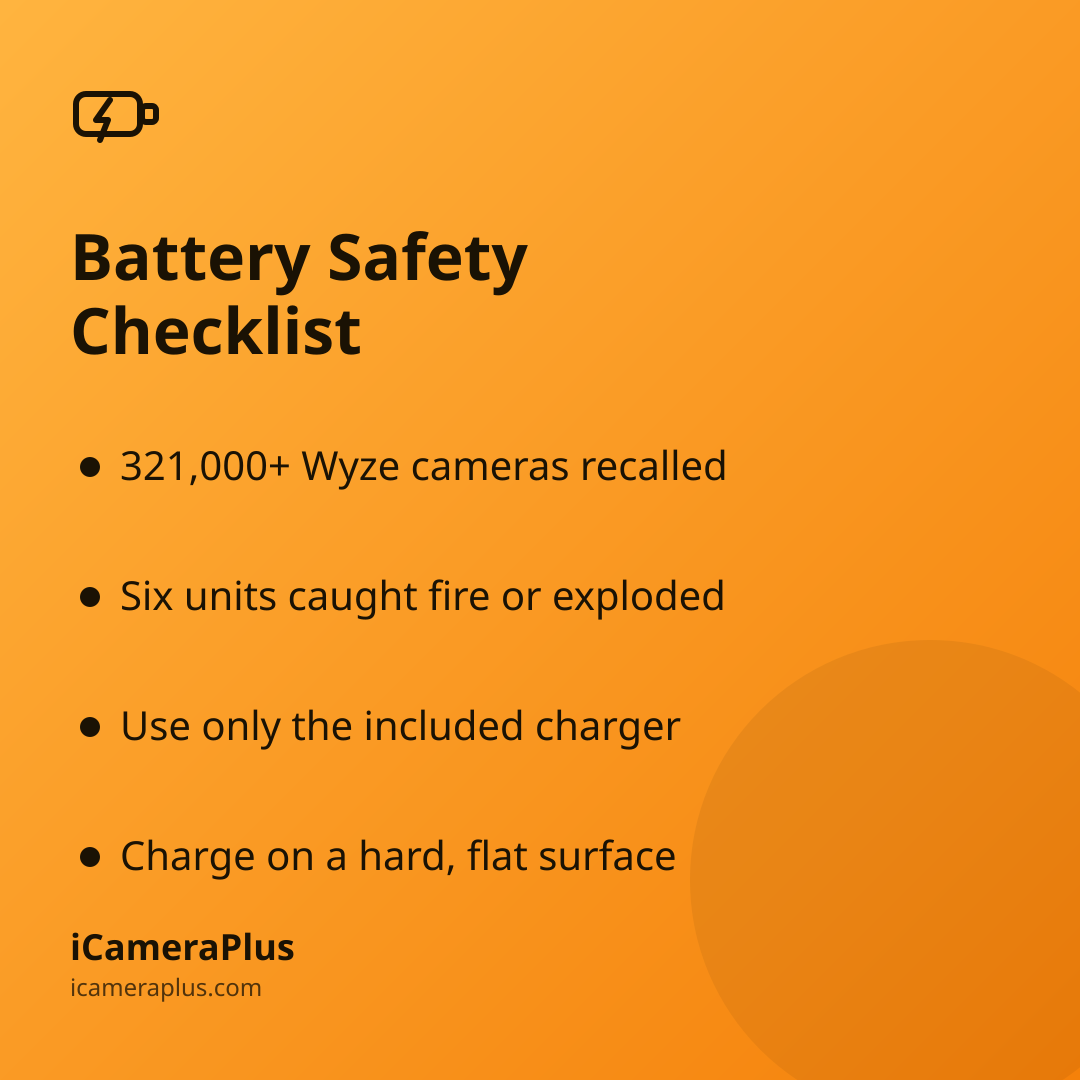
- Use only the charger and cable that came with the device — mismatched or third-party chargers are a common cause of overheating.
- Charge on a hard, flat, non-flammable surface — not on a bed, couch, or carpet, which can trap heat.
- Avoid extreme temperatures. The National Fire Protection Association (NFPA) advises against charging lithium-ion batteries below 32°F or above 105°F.
- Watch for warning signs — unusual heat, swelling, a strange smell, discoloration, leaking, or odd noises mean stop using the device immediately.
- Recycle batteries properly at a designated battery or e-waste drop-off point rather than the household trash, where a damaged cell can ignite in a garbage truck or landfill.
It's Also the Focus of This Year's Fire Prevention Week
This isn't a fringe concern. The NFPA has set the official theme for Fire Prevention Week 2026 (October 4–10) as "Charge into Fire Safety: Safe Charging Is a Superpower," focused specifically on everyday charging habits and lithium-ion battery risk. It's the second year in a row the national campaign has centered on battery safety, which tells you fire departments are still seeing enough battery-related incidents in homes to keep making it the headline message.
Camera batteries rarely make the same news as e-bike or scooter batteries, but they run on the same chemistry, sit outdoors exposed to sun and heat, and — unlike a phone in your pocket — often go months without anyone looking at them closely. A camera bolted under an eave in direct summer sun is arguably a worse environment for a battery than almost anywhere else in the house.
A Quick Checklist for Any Camera You Already Own
- Find the model number and check it against active recalls at CPSC.gov/Recalls — it takes about a minute.
- Register your security devices with the manufacturer so you actually get notified if a recall happens later.
- If a battery-powered camera looks swollen, feels hot to the touch, or smells odd, unplug/remove it and stop using it — don't wait for it to "finish charging."
- Avoid mounting battery cameras in spots that bake in direct afternoon sun for hours, if you have a choice of location.
Where a Plugged-In Phone Fits In
One reason a lot of people end up leaving an old phone mounted as a camera instead of buying a new wire-free unit: it's already sitting in a drawer, and it runs off continuous wall power rather than cycling on and off a removable battery pack day after day. That's a genuinely different usage pattern than a solar or battery camera that's constantly charging, draining, and reheating outdoors — and it sidesteps the specific failure mode behind the Wyze recall, since there's no separate battery module to assemble or puncture in the first place.
That's the basic idea behind apps like iCameraPlus, which turn a spare phone into a continuously recording security camera — plugged in, always on, with footage backed up off the device instead of relying only on local storage. It's not a fireproof guarantee (any charging electronic deserves the same basic precautions above), but it's one less new battery product to introduce into your home, and it puts a phone you already own back to work instead of in a drawer.
The Bottom Line
A camera's job is to catch problems before they become disasters. It's worth making sure the camera itself isn't quietly becoming one. Check your model against the current recall, follow basic charging hygiene from FEMA and NFPA, and keep an eye on any battery-powered device sitting outside in the heat — camera included.
Sources
- U.S. Consumer Product Safety Commission — Wyze Labs Recalls Solar Cam Pan Security Cameras (2026)
- U.S. Fire Administration (FEMA) — Battery Fire Safety
- FireRescue1 — NFPA Announces Fire Prevention Week 2026 Theme: Safe Charging
- National Fire Protection Association — Lithium-Ion Battery Safety Resources
- iCameraPlus — Home Security Camera Guide