Is Your Old iPhone Still Getting Security Updates in 2026? Here's How to Check
If your iPhone is an X, 8, 8 Plus, 7, 6s, 6s Plus, or the original SE, the answer is almost certainly no. Apple's own security-update records show the last patches those models received — iOS 16.7.16 and iOS 15.8.8 — were both released on May 11, 2026, while current iPhones got a new security update, iOS 26.6.2, on September 8, 2026. That's a gap of nearly four months, with no indication Apple plans to close it.
An unpatched phone isn't garbage. But it also isn't safe to keep using the way you always have, and there's a smarter second life waiting for it once you know what to do.
Which iPhones stopped getting security updates in 2026?
According to Apple's official security releases page, the iPhone X, iPhone 8, iPhone 8 Plus, iPhone 7, iPhone 6s, iPhone 6s Plus, and the first-generation iPhone SE are capped at iOS 16 or iOS 15, and both of those operating systems received what appears to be their final security update on May 11, 2026. Apple doesn't publish a formal "end of support" announcement the way some Android makers do — it simply stops issuing patches, which is exactly what's happened here while newer devices keep receiving monthly-ish fixes.
Apple's last patch for the iPhone X landed in May 2026 — four months before its newest phones got another one.
How do you check whether your own phone is still supported?
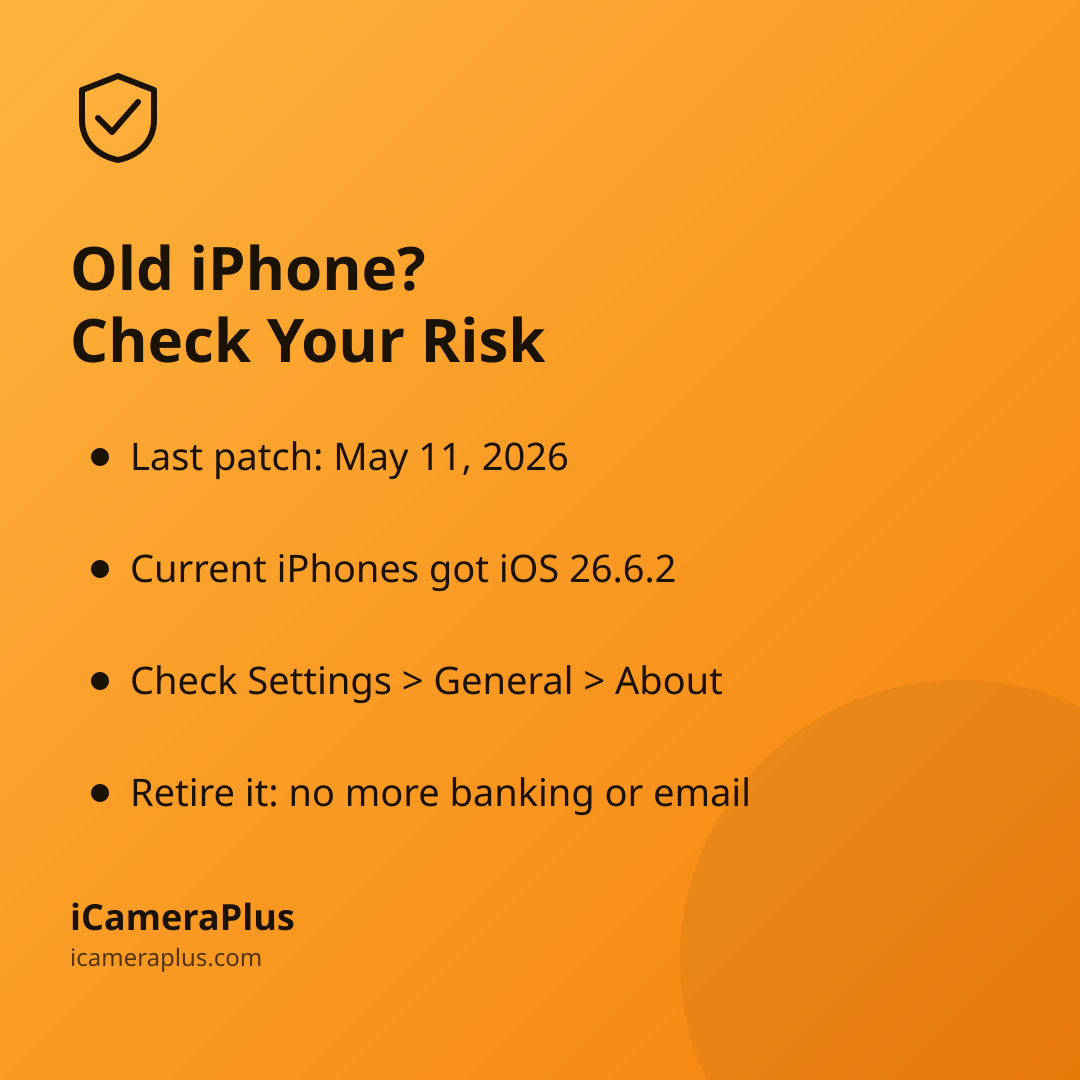
Go to Settings, then General, then About, and look at your model name and iOS version. Then compare it against Apple's security releases page, which lists every update by iOS version and date. If your phone's iOS version hasn't appeared on that list in several months while newer version numbers keep showing up for current devices, your phone has effectively aged out — even if Apple never sends you a notification saying so.
What actually goes wrong once the updates stop?
The risk isn't hypothetical. In February 2026, the U.S. Cybersecurity and Infrastructure Security Agency issued Binding Operational Directive 26-02, ordering federal agencies to identify and remove unsupported "edge devices" from their networks. As CISA's Executive Assistant Director for Cybersecurity, Nick Andersen, explained: "persistent cyber threat actors, including those with ties to nation states, are increasingly exploiting unsupported edge devices...that no longer receive vendor updates to firmware or other security patches." That directive covers government hardware, not personal phones — but the underlying problem is identical: once a vendor stops patching, any newly discovered flaw stays open indefinitely, and everyone who finds it knows exactly which devices can't defend themselves.
For a phone specifically, that mostly matters for the things it's still doing every day: logging into email, storing passwords, holding banking apps, and browsing the open web.
It isn't just iPhones — Android has its own cutoff dates
Google runs the same clock on its own hardware. Per Google's official Pixel update policy, Pixel 6, Pixel 6 Pro, Pixel 7, Pixel 7a, and the Pixel Fold get five years of updates from their US release date — which puts the Pixel 6 and 6 Pro's cutoff at October 2026. If you're holding an older Samsung, Motorola, or other Android phone, check that manufacturer's own support page the same way; policies vary widely by brand.
Why do so many of these phones just sit in a drawer instead?
Because most people genuinely don't know what else to do with them. A CNET-commissioned survey of 2,638 U.S. adults, published in April 2026, found that only 39% of Americans recycle their old tech, 22% throw it straight in the trash, and 29% simply hold onto it with no plan. Separately, SellCell's 2025 Electronics Hoarding Survey found that 76.3% of U.S. consumers keep at least one unused smartphone at home rather than recycling, selling, or reusing it.
Three quick, actionable moves
- Check your model's last patch date
- Stop banking and browsing on it
- Wipe it and give it one job
What should you actually do with an unsupported phone?
Retire it from general-purpose use — that means no more logging into your bank, email, or anything holding a password you care about. Back up anything you want to keep, then do a full factory reset. From there, you have real options: trade it in, recycle it responsibly through a certified e-waste program, or give it a narrower job that doesn't depend on it fending off the open internet.
That narrower job is worth taking seriously. A phone sitting on your own Wi-Fi network, plugged in, running one dedicated app to watch your front door or living room, has a much smaller attack surface than the same phone being used to browse random websites and log into accounts. That's the gap an app like iCameraPlus is built for: it turns a phone you already own into a 24/7 home security camera with continuous recording, an off-device archive so footage doesn't disappear if the phone is lost or damaged, remote live view, and motion alerts — without asking that old, unpatched phone to do anything riskier than point a lens at your own front door.
Quick answers
Can I still use an unsupported iPhone at all? Yes, for narrow, offline-leaning tasks — an alarm clock, a music player on a closed network, or a single-purpose camera — but avoid using it for anything tied to passwords, payments, or personal accounts.
Is it safe to use an old, unpatched phone as a security camera? It's a far better use than general browsing, since it's doing one job on your own network instead of connecting to unknown sites and accounts, but you should still keep its Wi-Fi network secured and only run apps you trust.
How do I know exactly when my specific model lost support? Check Apple's security releases page or your Android maker's official update-policy page and compare your phone's current OS version against the most recent entries for current devices.