Can Strangers Watch Your Home Security Camera's Live Feed in 2026?
This article was produced with AI assistance. Sources are listed at the end.
Yes, for some camera models. A government test released in South Korea on November 12, 2026 found that 3 of 10 popular home internet-connected cameras had flaws serious enough to let a stranger view, download, or remotely control another household's live video feed. Separate research published earlier in 2026 found more than 21,000 home camera feeds streaming live on the open internet with no password required at all.
Neither finding means every camera is exposed. But both point to the same root causes — weak default credentials, missing encryption, and unclear update support — and both are worth checking against your own setup before you assume your camera is private just because it's "in your house."
What did the 2026 government camera test actually find?
The Korea Consumer Agency and the Korea Internet & Security Agency (KISA) tested 10 internet-connected home cameras sold in South Korea between February and June 2026, evaluating 37 separate criteria covering hardware, network, firmware, mobile apps, and security policy. The results were announced on November 12, 2026, with additional details reported in follow-up coverage over the following days.
Three models — Roboview's GI-ROBOA7, VStarcam's VSTARCAM-800X, and FineVu's K11 — received the test's lowest "poor" rating for vulnerabilities that exposed private footage, according to the Kyunghyang Shinmun's report on the findings. On the Roboview camera, simply changing the device ID let anyone on the same Wi-Fi network pull up another user's live feed. On FineVu's camera, stolen cloud credentials allowed an attacker to view or download multiple users' photos and videos at once, watch live video through another account, and remotely operate the camera itself.
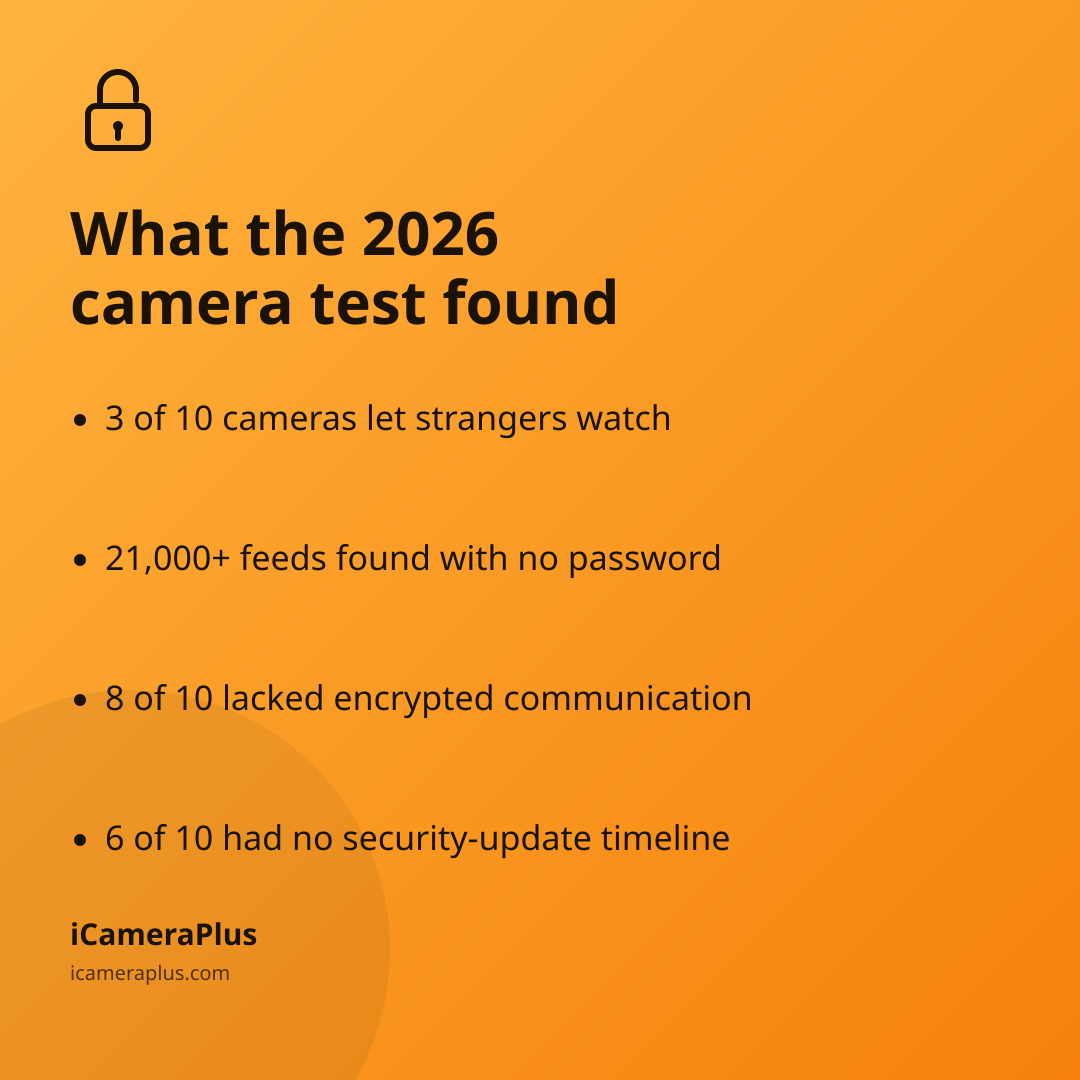
3 of 10 cameras tested by a government agency in 2026 let a stranger view another household's live feed. Even the seven models that avoided a "poor" rating weren't clean: across all 10 products, eight lacked encrypted communication standards, six had no defined security-update timeline, and five shipped with weak in-app password requirements, per Seoul Economic Daily's coverage of the full results. KISA has forwarded the vulnerabilities to the manufacturers, and two of the three worst-rated brands have since shipped fixes.
How many camera feeds are exposed on the open internet right now?
The Korean test looked at specific products sold in one country. A broader, ongoing problem shows up in global internet scans. Privacy research firm Mysterium VPN queried a public internet-wide device index in May 2026 and counted 21,786 live camera feeds answering requests with zero authentication, out of more than 3 million camera devices reachable from the open internet in total.
The exposure wasn't evenly spread. Mysterium found budget "HiSilicon-class" recorders left feeds open 27.1% of the time and one legacy webcam app 45.6% of the time, compared with just 0.06% for Hikvision-branded devices — evidence that mandatory password setup at first use, which major brands have widely adopted, makes a measurable difference. The United States accounted for 17% of the exposed feeds the researchers found, second only to Japan at 19%.
More than 21,000 home camera feeds were streaming live online with no password required in 2026.
Why do camera feeds end up exposed in the first place?
Across both the Korean government test and the Mysterium scan, the pattern is the same: cameras that ship with a default admin password, skip encrypted communication, or never force the owner to set their own credentials are the ones that end up reachable by anyone who knows where to look. Cameras that require a unique password and a login-gated app before anyone — owner included — can view footage largely avoid this failure mode.
This is a different problem from a camera being pulled into a botnet or a government watchlist, which we've covered in our look at how camera software can expose your home network and in our breakdown of which smart home devices actually get hacked most. The live-feed issue is narrower and, in some ways, easier to prevent: it's almost always a credentials-and-configuration problem, not a sophisticated attack.
How can you check if your own camera is exposed?
- Change the default password
- Turn on two-factor login
- Avoid port forwarding or UPnP exposure
- Check the update-support window
Start with whatever password came in the box — if you never changed it, change it now, on both the camera and its app. Then check whether the manufacturer still publishes security updates for your model; six of the ten products in the Korean test had no defined update timeline, which means a flaw found today may never get patched. If your router's admin panel shows the camera's port forwarded to the internet, or UPnP has opened one automatically, close it — that configuration is exactly what let Mysterium's scan find tens of thousands of feeds with no password at all.
Does a phone-based camera avoid this risk?
A camera built from a phone you already own sidesteps some of the specific failure modes above by design: there's no separate device shipped with a factory-set admin password, and footage isn't reachable by guessing a port number on your router. iCameraPlus turns a phone you already own into a 24/7 security camera, with footage stored in a private cloud archive you reach through a login-protected web panel — live viewing and remote start/stop happen through your own account, not an open connection on your home network.
That said, no setup is automatically risk-free. Whatever you use to watch your own home — a dedicated IP camera, a repurposed phone, or anything else — the same basic hygiene from the checklist above still applies: a unique password, two-factor login where it's offered, and attention to whether the manufacturer still supports the device.
Quick answers
How do I know if my security camera is exposed online? Search your camera's brand and model along with "default password" or "security advisory," and check whether the manufacturer still requires you to set a unique password and login before anyone can view footage. If the camera ever worked with no password at all, treat it as exposed until you've changed that.
Is it illegal for someone to view my camera feed without permission? In most places, intentionally accessing someone else's camera or account without authorization falls under computer-intrusion or privacy laws, but exact rules vary by country and state, so check your local law for specifics.
Does switching to a phone-based camera fix this automatically? It removes some common failure points, like a factory default password or a port exposed on your router, but it doesn't replace basic account security — you still need a strong, unique password on whatever account controls your footage.